Risk-tiered storage
Main + Low Risk Wallet, sorted automatically.
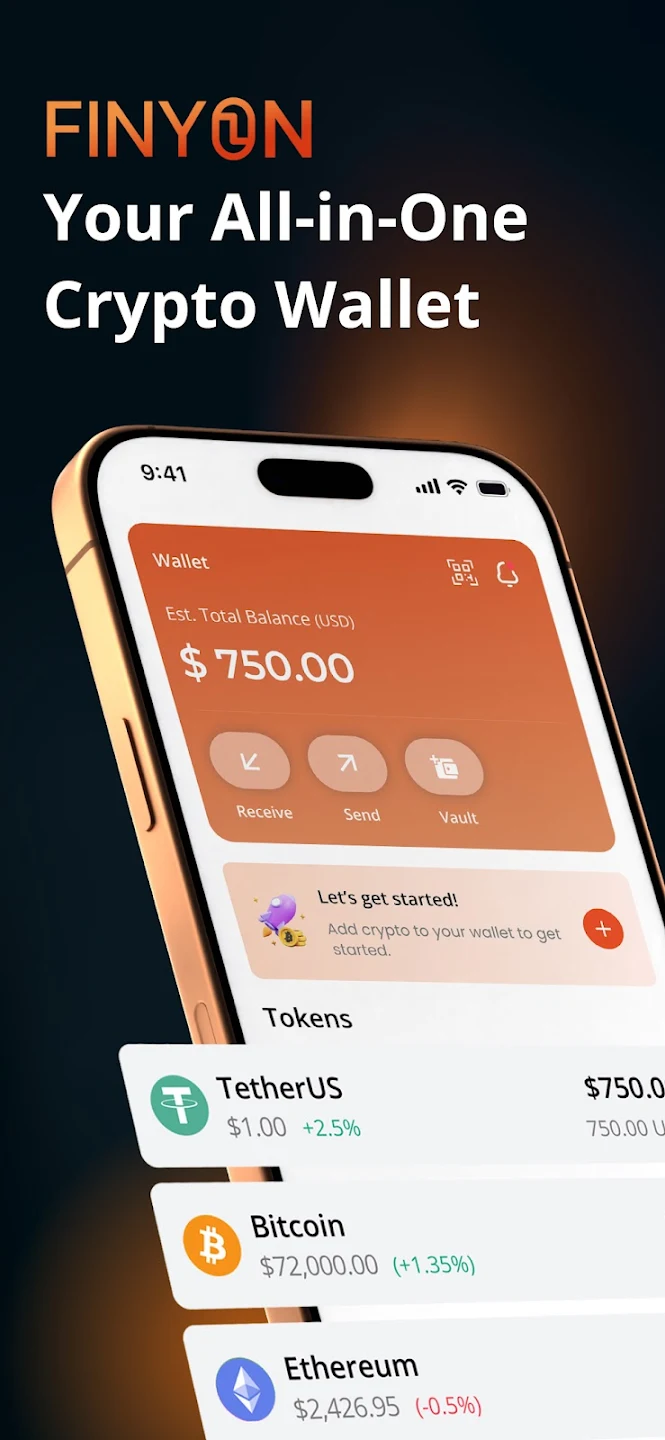
Finyon Wallet automatically separates trusted deposits from unverified ones — your clean funds stay in your Main Wallet, while unknown deposits land in an isolated Low Risk Wallet until you decide what to do.

Built for freelancers, small businesses, and teams who need more than just send-and-receive.
Main + Low Risk Wallet, sorted automatically.
Whitelist counterparties for direct deposits.
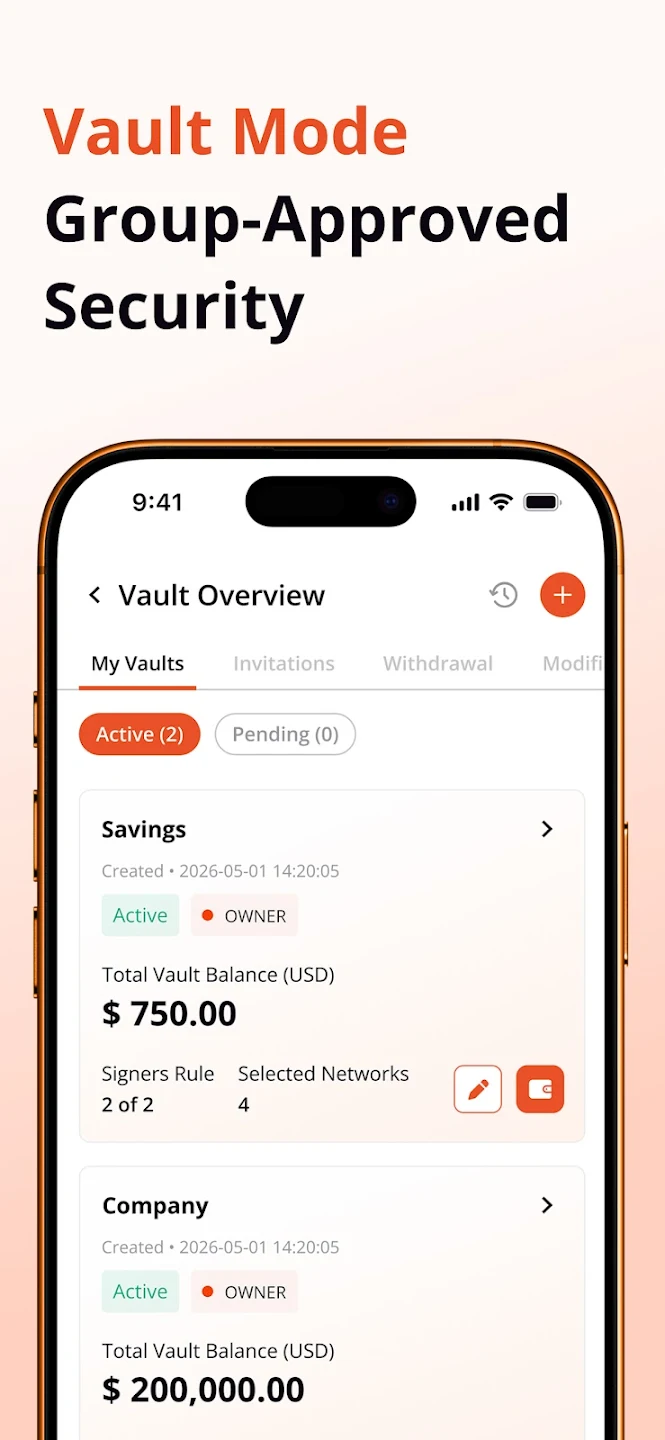
Shared treasury with custom approval thresholds.
USDT (TRC20), with low network fees.
Every transfer tagged with its risk level.
On-device encryption keeps your wallet locked down.
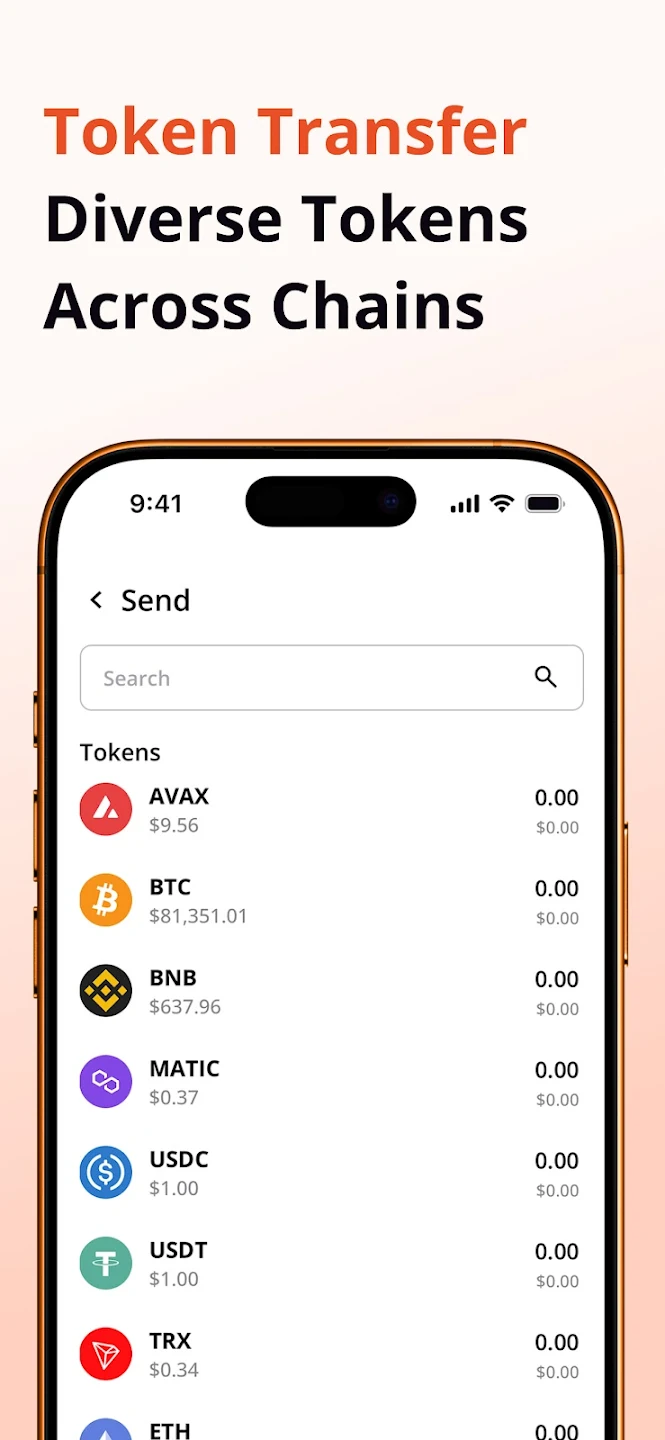
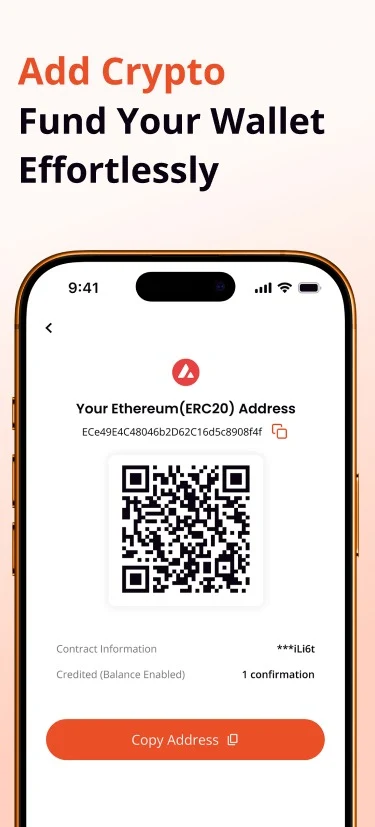
A closer look at Finyon Wallet — risk-tiered storage, a multi-sig Vault, and USDT (TRC20) transfers.
Sideloading the APK takes about a minute. Prefer the Play Store? Get it there instead.
Tap the download button below to get the installer file.
Open the downloaded file from your notifications or Downloads folder.
Approve the "install unknown apps" permission when prompted.
Tap install, then open Finyon Wallet to get started.
Yes. Downloading and installing Finyon Wallet does not cost anything. The app may include in-app purchases.
Finyon Wallet automatically separates trusted deposits from unverified ones. Clean funds stay in your Main Wallet, while unknown deposits land in an isolated Low Risk Wallet until you decide what to do.
Finyon Wallet sends, receives, and QR-pays in USDT (TRC20) with low network fees, and tags every transaction with its risk level.
Android blocks apps installed outside Google Play by default. Allowing this permission lets you install the APK directly; you can turn it back off afterward.
Finyon Wallet locks access with biometric or PIN authentication and encrypts data on-device. A Multi-sig Vault adds custom approval thresholds for shared treasuries.
An iOS release is planned but no distribution date is set yet. Subscribe in the section above to get notified.